CAREER RESOURCES
Resumes
Our resume templates are designed to maximize your chances of getting you an interview. If a job gets 500 applications, the person in charge of hiring might only fully read a few dozen resumes.
What about resume creation apps?
Almost all resume creators aren't free (even if they say they are). Once you try to download it or share it, it asks you to subscribe. The only truly free resume creators are www.resumes.com and www.indeed.com.
Resume Formatting & Content
Resumes must pass several tests (in stages) to get the recruiter to seriously consider the applicant.
1. Make it past the Applicant Tracking Software (ATS).
2. Get ranked high enough by ATS to make it in front of the recruiter.
3. Get past the recruiters' initial glance (information processing).
4. Avoid negative judgements based on age, ethnicity, employment gaps, etc.
5. Show the recruiter that the applicant has the skill and experience they are looking for.
Choosing a Resume Type
Learn the difference between the resume types and which one you should use.
AI Resume Guide & Prompts
Guidelines on using AI and some prompts you can copy and paste into an AI chat.
Resume Do's and Don'ts
Learn what to do not (and not to do) - Formatting, fonts, and general content.
Resume Templates
We recommend using Google Docs for resumes and cover letters because:
- The documents save automatically in storage cloud.
- Google Docs is easier to use on mobile devices than MS Word.
- Google Docs is 100% free, while MS Word is not.
- Google Docs is simpler and easier to learn than MS Word.
- It's easier to collaborate in Google Docs if you want our help.
Don't have a Google account? It's easy and free to make one - using your non-gmail email!
Template Instructions
Hybrid Resume - Basic
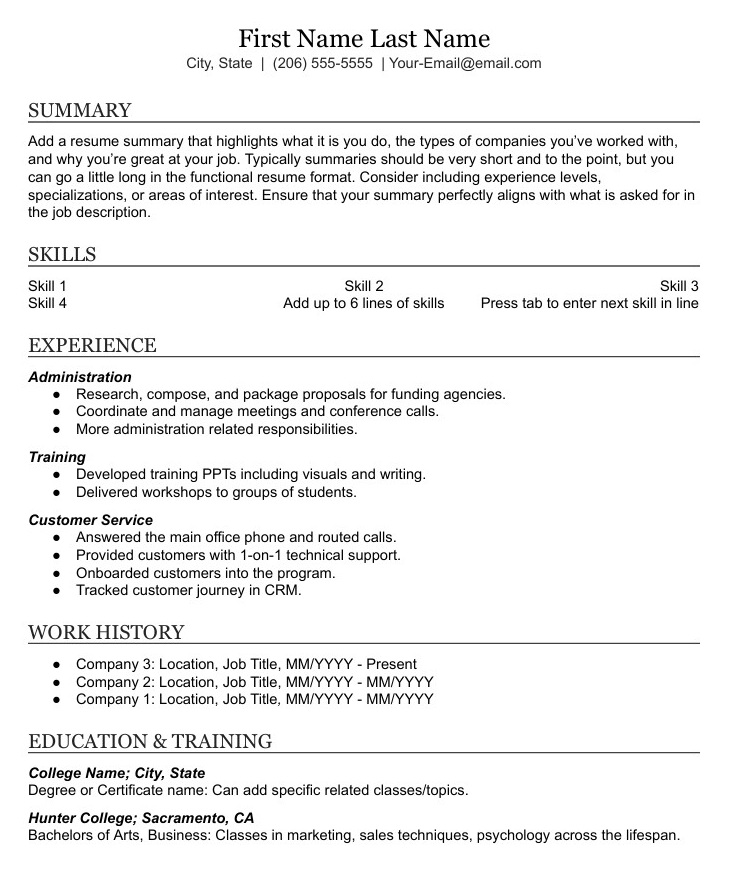
Good for:
- Limited professional experience
- Lots of employment gaps
- Short employment stints
- Project-based employment history (use the Project Based template)
Chronological Resume - Basic
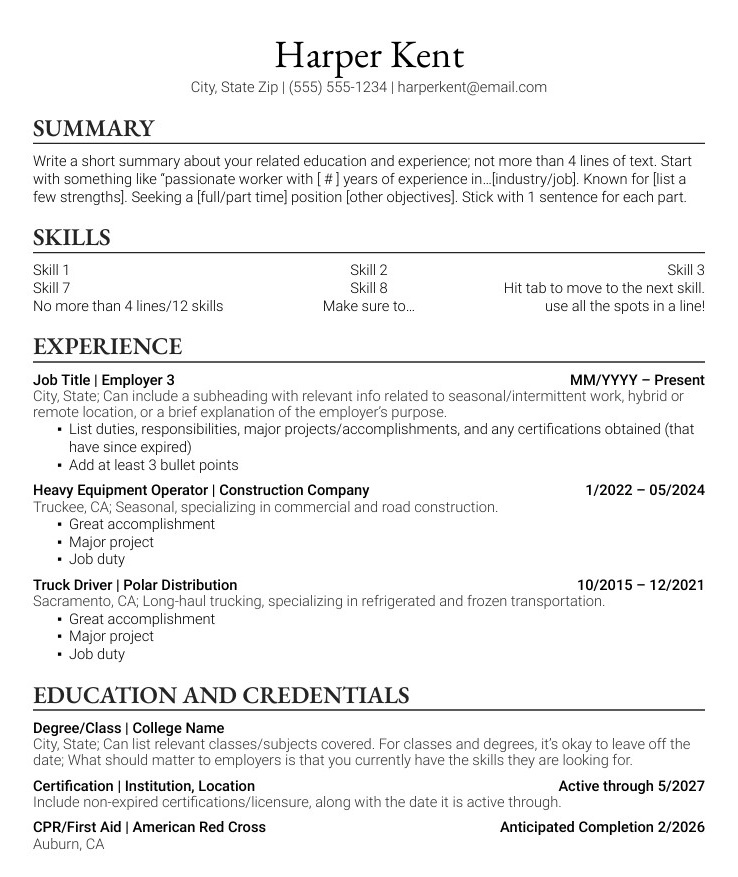
Good for:
- Consistently employed
- Most jobs last at least 6 months
- Only minor employment gaps between jobs
- If only now rejoining the workforce after 3 years maximum, the employment history before that is consistent and steady
Chronological Resume - IT
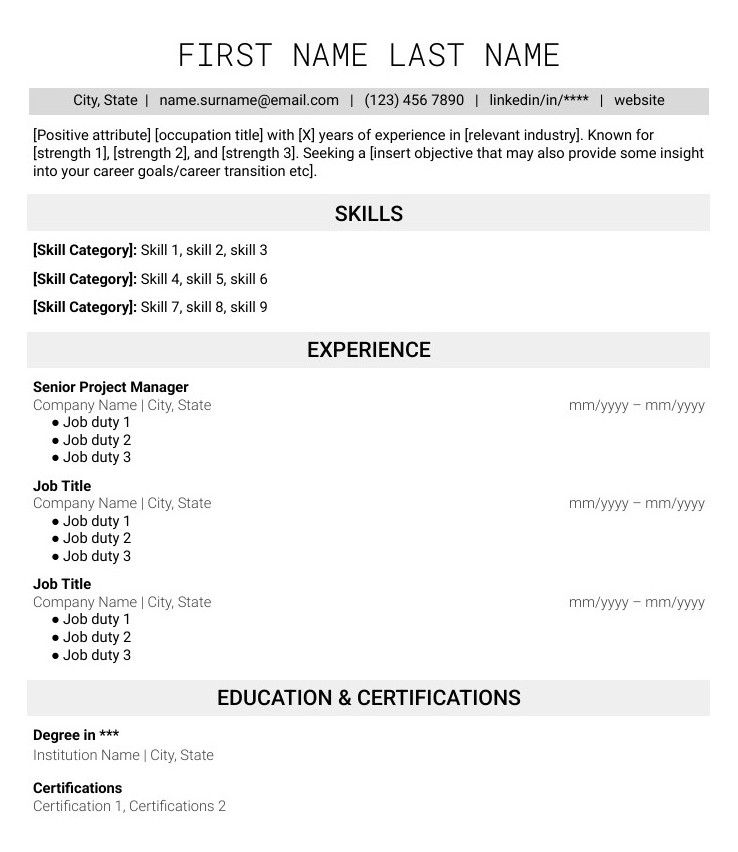
Good for:
IT professionals; it highlights skills in multiple categories and provides plenty of room for certifications.
Chronological Resume - Experienced Professional
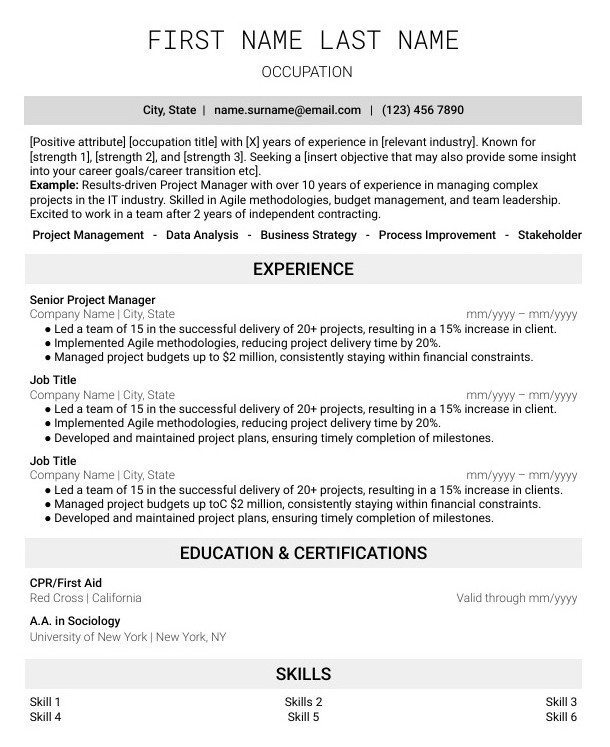
Good for:
Professionals who are well-established in their occupation, usually with an occupation title.
Hybrid Resume - Project Based
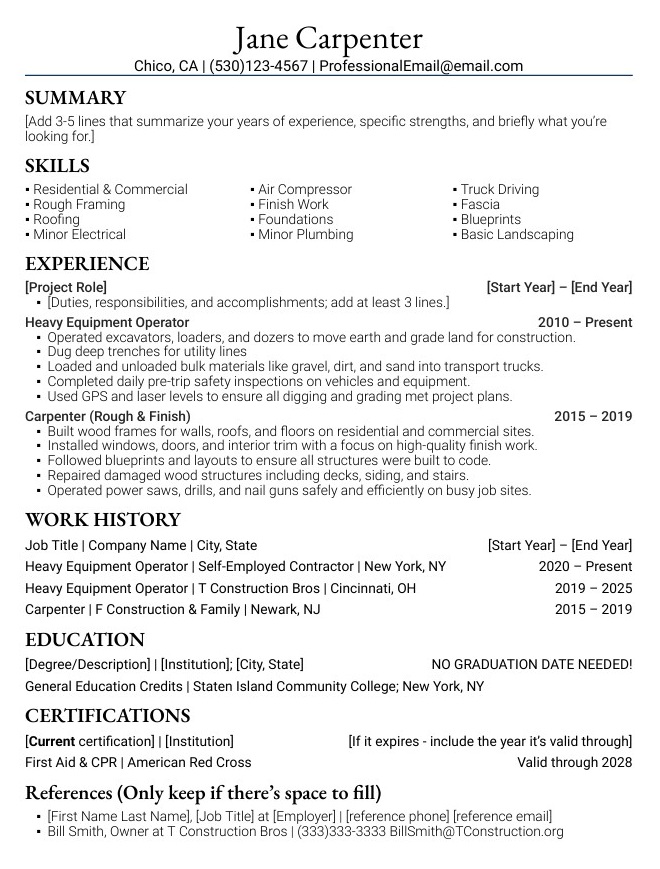
Good for:
- Solid work history in which the exact same tasks were done at every job
- Solid work history which is mostly project based/contract work
Chronological Resume - Advanced Labor
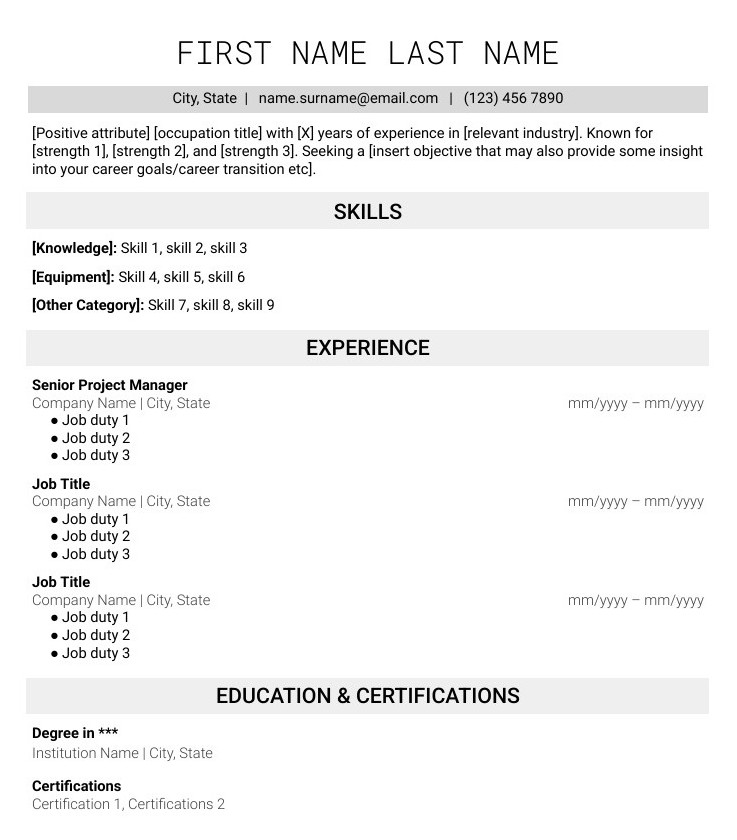
Good for:
Specialized to highlight labor skills in multiple categories,and provides plenty of room for certifications.
